
Explore our Perfect Business AI App designed for your business's mobility.
Discover how our mobile suite—including on-the-go CRM, instant lead notifications, and remote reputation management—can empower your business from anywhere.
- A Professional Command Center For Your Desktop
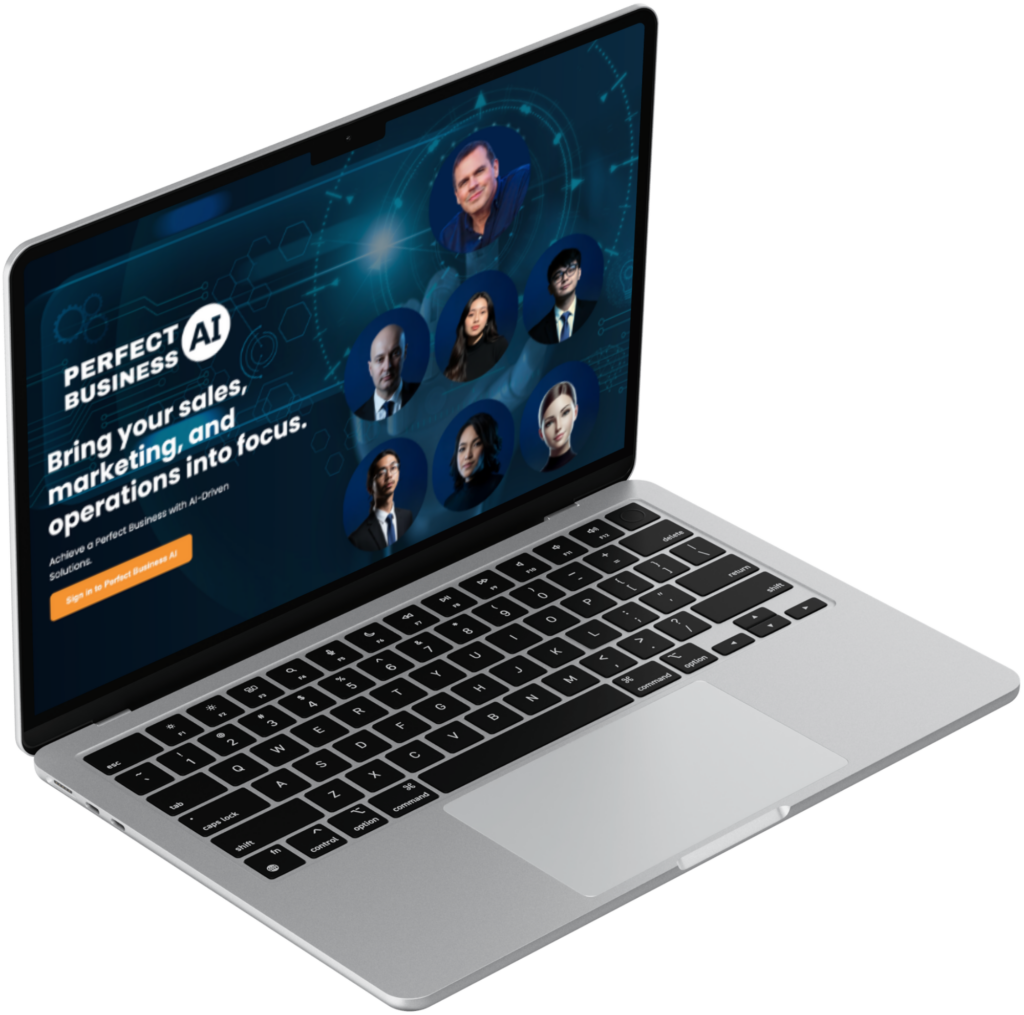
The power of Perfect Business AI, optimized for your desktop.
Experience faster performance, native notifications, and a dedicated workspace designed to help you manage your business without the distraction of a web browser.
Download for Mac
The native macOS experience, optimized for Apple Silicon and Intel processors for maximum speed.
Download for Windows
A robust Windows application that integrates directly with your desktop workflow and system tray.
Download for Linux
A lightweight, secure build for Linux users, providing full access to our AI suite across open-source environments.
- Native Performance
High-Velocity Desktop Experience
Perfect Business AI has engineered a dedicated desktop application to provide a professional-grade command center for business owners. Unlike browser-based tools that suffer from lag and tab-clutter, our desktop app is a standalone powerhouse built for speed, stability, and deep system integration.

Dedicated System Resources
Full CPU and RAM optimization for zero-lag automation management.
Native System Notifications
Never miss a lead with real-time desktop alerts that cut through the noise.
Secure Local Environment
An isolated, high-security workspace for managing your most sensitive business data.
- A Professional Command Center For Your Mobile
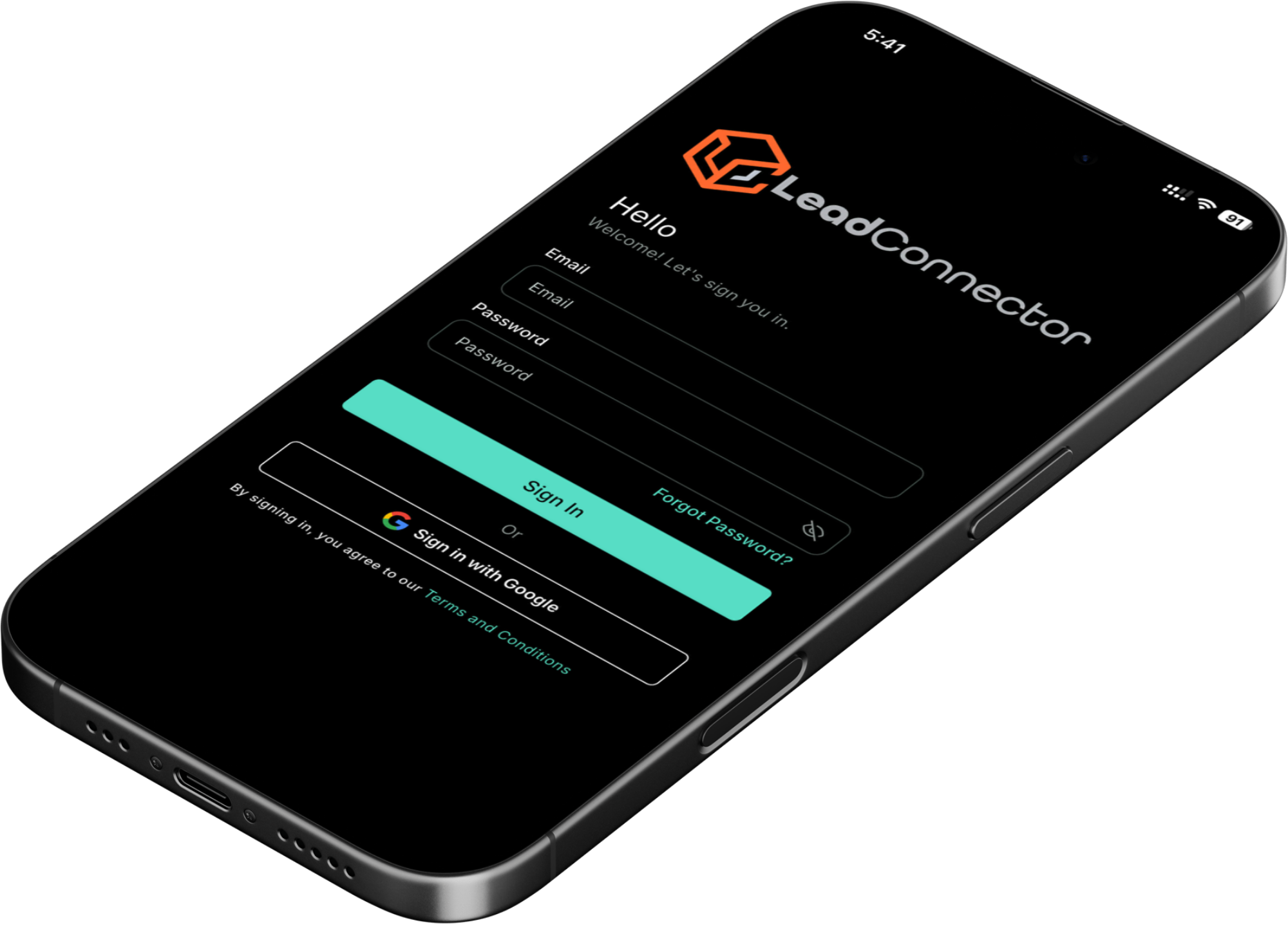
The power of Lead Connector, optimized for your mobile.
Experience real-time responsiveness, instant lead alerts, and a dedicated mobile workspace designed to help you manage your revenue engine without being tied to your desk.
- A Step-By-Step Roadmap To Mobile Success
Lead Connector App: Get everything you need to succeed on the go.
We offer a complete mobile solution, from instant lead communication and reputation management to CRM access, so you can stop being tied to your desk and focus on growing your business.
Download for iPhone
Access the native iOS experience with real-time push notifications and high-performance lead management.
Available on the Apple App Store
Download for Android
A robust Android application designed for integration with your mobile workflow and business communication.
Available on the Google Play Store
- Got Questions? We Have Answers.
Everything you need to know about our apps.
Browse our FAQ to learn about how the PBAI Desktop and Lead Connector Mobile apps work together to automate your business and keep you connected on the go.
What is the difference between the PBAI Desktop App and the Lead Connector App?
The Perfect Business AI Desktop App is your full-scale command center for deep strategy, automation building, and complex CRM management. The Lead Connector App is your high-velocity mobile companion, optimized for instant communication, real-time lead alerts, and managing your business while you’re away from your desk.
Will I receive instant notifications for new leads on my phone?
Yes. One of the primary benefits of the Lead Connector App is speed-to-lead. You will receive native push notifications the second a lead interacts with your website chat, SMS, or social media, allowing you to respond in seconds
Can I manage my sales pipeline from the mobile app?
Absolutely. You can view your entire sales funnel, drag and drop opportunity cards into different stages, and update lead values directly within the Lead Connector interface.
Do I need a separate subscription for the mobile and desktop apps?
No. Your Perfect Business AI account grants you full access to both the professional desktop environment and the mobile application suite. Your data syncs across all devices in real-time.
Can I collect payments and reviews through the mobile app?
Yes. You can trigger review requests immediately after finishing a job and use our integrated payment tools to charge customers via the app, ensuring your cash flow and reputation grow simultaneously.
Is the Lead Connector app secure for my sensitive customer data?
Security is our priority. Both the desktop and mobile applications use enterprise-grade encryption to protect your data. Native app environments are inherently more secure than standard web browsers, providing an isolated workspace for your CRM, financial records, and private communications.
Can I manage multiple business locations from one app?
Yes. If you operate multiple sub-accounts or business branches, you can easily toggle between them within the app settings. This allows you to monitor the performance, communications, and lead flow of your entire business empire from a single login.
Does the mobile app support AI-powered website chat?
Absolutely. While your AI agent handles the initial website interactions 24/7, those conversations flow directly into your mobile “Unified Inbox.” You can jump in and take over the conversation manually at any time if a lead requires a personal touch.
Can I upload documents or scan business cards using the app?
Yes. The Lead Connector App leverages your phone’s camera to let you instantly scan business cards into new contact records. You can also upload photos of contracts, site visits, or receipts directly to a specific contact card for organized record-keeping.
What happens if I have no internet connection while using the app?
The app is designed for the mobile professional. While a connection is required for real-time syncing and sending messages, you can still browse your cached contact lists and previous conversations. Any updates made will sync to the Perfect Business AI cloud once your connection is restored.
Ready to command your growth from anywhere?
Our mobile and desktop apps are engineered to sync perfectly, ensuring you never miss a lead. Download the app today and carry your revenue engine in your pocket.